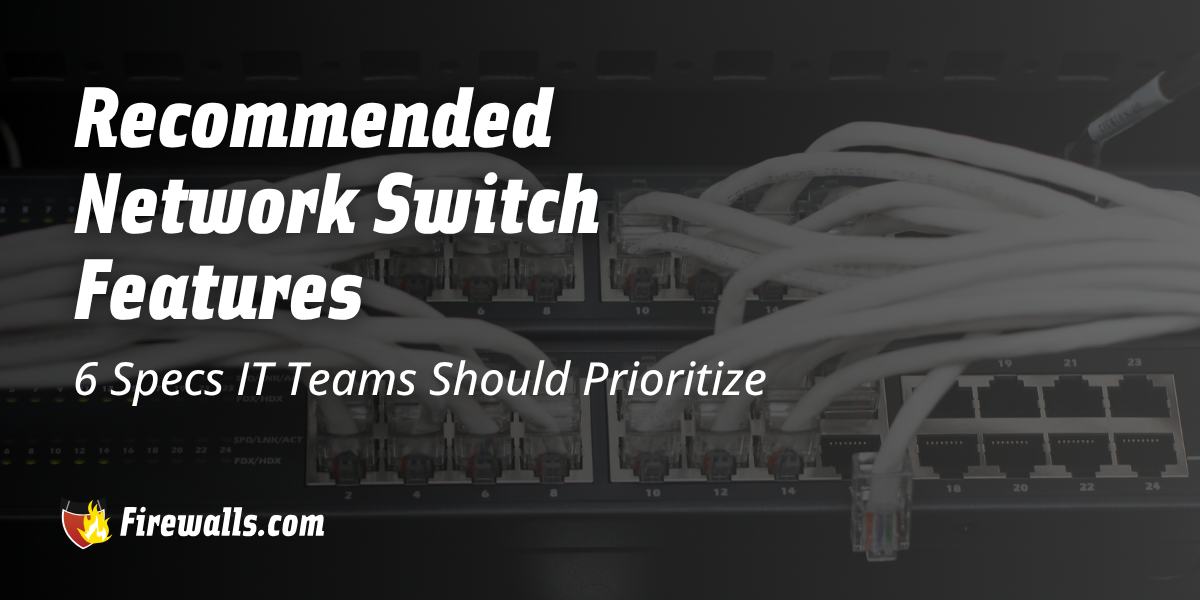
In a similar fashion to firewall hardware, the recommended network switch features you should look for can vary quite a bit. You’ll want to look further than port count alone, as this isn’t the only compatibility metric for choosing the right solution for your network.
Other factors such as port speed, uplink options, and switching capacity all play a role in your final decision here. That’s why I’ve put together a list of six specific features IT teams should make a priority when reviewing network switches for business operations.
Key Takeaways:
- Port speed and uplinks determine available network bandwidth
- Switching capacity supports reliable traffic handling
- PoE simplifies connectivity for powered network devices
- Management and monitoring improve network visibility
- VLANs, security, and QoS help control network traffic
6 Recommended Network Switch Features
Network switch capabilities determine how effective that specific device will perform within a real-world IT environment. Moreover, you’ll come across various hardware options that include different deployment options, focusing on different needs for different types of network demands.
From port and uplink specs to switching performance, overall management, and even power delivery are important considerations. While this exact list may not apply to every business out there, it acts as a great starting point when searching for a high performance network switch that’s right for you.

1. Port Speed and Multi Gigabit Switch Connectivity
For starters, always keep in mind that port speed determines how much data can move between the switch and connected devices. In addition to that, options like 1 GbE, 2.5 GbE, and 10 GbE will give you different levels of bandwidth for varying network loads.
You also want to consider SFP and SFP+ interfaces here, which are in place to provide flexible options for fiber and higher-speed network uplinks. Choosing the right port and uplink capabilities will not only accommodate current bandwidth, but give you room to grow as well.
2. Switching Capacity and Performance
When it comes to switching capacity, this measures the max amount of data a switch can process. More importantly, you should evaluate capacity alongside the switch’s total port count, as well as the individual port speeds.
If you don’t already know, your network switch needs enough capacity to handle the combined traffic its interfaces can generate. Adding another layer to this, packet buffer capacity is what indicates how much traffic can be temporarily held when your network is experiencing a bit of congestion.
3. Power Over Ethernet (PoE) Support
What I love about PoE is that you get both electrical power and network connectivity through a single Ethernet cable. Making use of PoE can do wonders for simplifying device deployment. To add on to this, it does so by reducing the need for separate electrical connections.
This tends to be a common feature among enterprise network switch options, but it isn’t exclusive to this tier by any means. Moreover, IT teams should always account for not only current, but future device expectations down the road. This can also include support for things like access points, VoIP phones, IoT equipment, and more.
4. Management and Monitoring Capabilities
Searching for specific features is fine, but that doesn’t mean looking at the full scope of management isn’t equally crucial. Managed switching is supposed to give you seamless support, but that isn’t universal from one model to the next.
A managed gigabit Ethernet switch can be handled in more ways than one. Whether you’re managing in-house or with external support, this allows you to monitor port activity and device status, including network behavior.
5. VLAN, Security, and Network Segmentation Features
A helpful component to your network security strategy, VLANs divide your network into logical segments focused on angles like devices, apps, and traffic types. In addition to that, having separate corporate, guest, and even voice VLANs can ensure you effectively control communication between network groups.
Network segmentation is a part of this conversation too, as it supports access control, traffic isolation, and even compliance requirements. Overall, IT teams should lean into these features, based on the needs of their network structure and organizational requirements.
6. Quality of Service and Traffic Control
It isn’t entirely out of the scope of reality to run into bandwidth issues. You also have to think about traffic prioritization here, as it helps reduce the impact of congestion across the board.
Having Quality of Service (QoS) on your side helps to prioritize network traffic when you’re experiencing limited bandwidth. On top of that, IT teams can utilize traffic policies to give time-sensitive apps the network resources they need.
Recommended Network Switch Features Overview
To help you navigate all of this in a practical way, it helps to streamline your understanding of what exactly to look for in the hardware. Check out the table below as an easy reference point for important switch features and why they matter.
| Feature | Spec Examples | Why It Matters |
|---|---|---|
| Port Speed & Connectivity | 1 GbE, 2.5 GbE, 10 GbE, SFP/SFP+ | Determines available bandwidth and uplink capacity |
| Switching Capacity & Performance | Switching capacity, packet buffer, MAC table | Indicates how effectively the switch can handle network traffic |
| PoE Support | PoE standard, per-port power, total PoE budget | Determines which powered devices the switch can support |
| Management & Monitoring | Centralized management, SNMP, Syslog, CLI/web interface | Provides configuration, visibility, and troubleshooting capabilities |
| Security & Segmentation | VLANs, 802.1X, ACLs, DHCP snooping, MAB | Helps control access and isolate network traffic |
| QoS & Traffic Control | 802.1p, DSCP, bandwidth control, storm control, link aggregation | Helps prioritize traffic and maintain consistent performance |
While this isn’t the end-all, be-all of your network security strategy, switches are still a vital component. This is especially true considering the evolving nature of cyber threats, and how legacy hardware struggles to keep up on its own.

The Final Word
More than ever, business network security strategy demands a multi-layered approach. These recommended network switch features are just one of many examples of this truth. I always like to note that your network switch requirements are bound to vary over time.
Choosing the right hardware requires an understanding of current and future network demands. Of course, this isn’t something you have to juggle on your own. From the hardware to overall security strategy and management support, consider having a chat with us at Firewalls.com for the sake of your business network.
Frequently Asked Questions
What are the Most Important Recommended Network Switch Features to Consider?
The key features include angles like port speed, switching capacity, PoE support, management capabilities, security and segmentation, as well as QoS and traffic control.
Why is Switching Capacity Important in a Network Switch?
Switching capacity indicates how much data a switch can process, and should be evaluated alongside port count and port speeds to ensure reliable performance.
When Should a Business Choose a Multi Gigabit Switch?
A multi gigabit network switch can be very useful when connected devices end up requiring more bandwidth.
What Should IT Teams Look for in PoE Support?
IT teams should evaluate the PoE standard, per-port power output, and total PoE budget. This is to make sure the switch you’re looking at can support current and future demands for powered devices.
How do VLANs and Security Features Improve Network Switching?
VLANs, 802.1X, ACLs, DHCP snooping, and MAC-based authentication can help segment traffic, control access, and support compliance requirements.