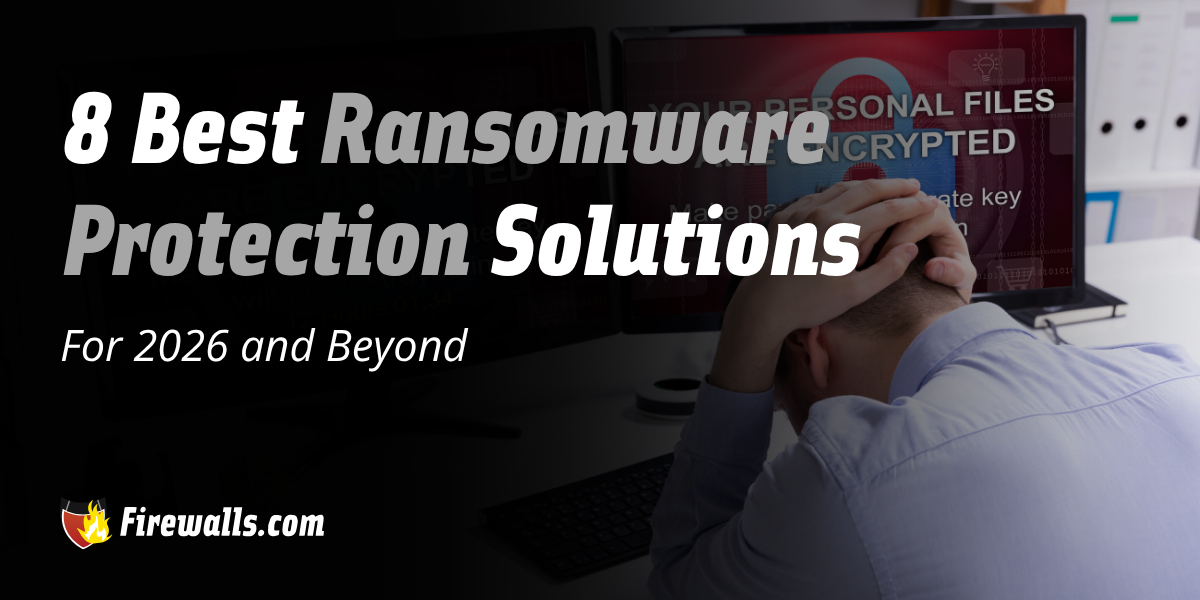
If you’re looking for the best ransomware protection solutions, you either have run into a security issue or you know very well how threatening it can be. Ransomware can shut down a business within minutes, as encrypted files can easily take email, billing, and customer systems offline.
More importantly, these threats are able to do this before you have time to really react. When it comes to enterprise ransomware protection, it’s all about being proactive. This article reviews eight ransomware protection solutions to help you layer up your defense for 2026 and the years ahead.
Key Takeaways:
- Ransomware can take email, billing, and customer systems offline within minutes
- Layered defenses work better than any single ransomware tool
- Behavior-based detection catches threats that signature-only tools miss
- Email security and next-gen firewalls block attacks before they spread
- Immutable backups and segmentation limit the damage when an attack gets through
What to Look for in Ransomware Protection for Business
Any anti ransomware solutions you entertain should detect and block it through monitoring file behavior, inspecting traffic, and isolating threats. It should also help you with recovery when ransomware actually does get through.
Here’s what you’ll want to look for in any ransomware solution:
- Advanced email security, such as filtering phishing messages and malicious attachments
- Cloud-based sandboxing to open suspicious files in an isolated environment
- Behavior-based scanning helps to flag activity such as mass file encryption or unusual data changes
- Threat intelligence updates to keep pace with new ransomware variants
- File rollback and recovery to restore encrypted or altered files to their earlier state
A few other points I want to highlight here: working with signature-only tools means you’re going to struggle with zero-day threats. Moreover, working with endpoint detection and response closes that gap by flagging suspicious behavior as it happens. In the conversation of enterprise ransomware prevention, the focus is always going to be a combined approach.

The 8 Best Ransomware Protection Solutions for 2026
Luckily, you shouldn’t have much trouble finding the best ransomware protection solutions. However, it’s that same reality that can make it challenging to know where to look first.
The ten solutions laid out below span endpoint, network, email, backup, and managed services to cover this topic from several angles. I want to note that these aren’t ranked from best to worst, but simply some helpful insight on your options.
1. SonicWall Capture Client
For those who aren’t already familiar, SonicWall’s Capture Client is a cloud-delivered endpoint protection platform. As you might expect, it integrates directly with SonicWall firewalls.
On top of that, it provides continuous behavioral monitoring and machine learning to flag threats before they execute. It’s great for stopping ransomware, malware, and general exploits early on. As far as management is concerned, one cloud console handles policy, alerts, and reports with no on-prem server needed.
2. Sophos Fusion for Unified Detection and Response
Previously known as Sophos Central, adding Sophos Fusion to the mix brings protection for multiple layers. From endpoints and networks, down to specific identities, you’re getting a bunch of layered security under one roof.
For example, a threat spotted in one area can trigger a response in another. Moreover, automated investigation and response run within rules your team sets, so you’re always in control. Sophos is known for its seamless ecosystem of security solutions, and Fusion is just one of many examples.
3. WatchGuard Cloud Security for Centralized Protection
Managing security across several offices can get pretty complicated. Where WatchGuard can help is in cloud security, instead of solely relying on hardware.
Through its Unified Security Platform, you’re getting a combination of identity, endpoint, DNS, and network security in a cloud-delivered solution. I always like to focus on the AI-guided EDR, which gives you the proactive edge in isolating compromised devices.
In addition to that, you have ThreatSync+ to look forward to. This works to correlate threats across multiple layers, which is a great feature for multi-location networks.
4. Advanced Email Security
Many ransomware attacks start with a single email. All it takes is one phishing message or infected attachment. End-user protection helps put a filter between those messages and every inbox across your network.
Advanced email security inspects every message, and phishing filters flag spoofed senders and credential-harvesting pages. Thankfully, advanced email security isn’t hard to find, and is commonly associated with many enterprise-grade security solutions.
5. Immutable and Offline Backups for Recovery
Something I want you to always remember is that even strong defense can fail. Regardless of how airtight you think your network is, you also need to have a backup and recovery plan in place.
More specifically, when it comes to immutable backups, these can’t be altered or deleted once they are written. Ransomware can definitely go for backup files, but immutable storage and offline copies mean you stay one step ahead.
Another note I want to leave on this is that regular test restores are important too. This is part of how you catch corrupted or incomplete backups before an emergency actually hits your network.
6. Managed Detection and Response and Professional Services
Even if you’re working with the best ransomware protection solutions on the market, security tools only protect you with a proper setup. While automation has helped streamline many security measures, that doesn’t mean it’s an entirely hands-off routine.
Most lean IT teams out there can’t staff or handle around-the-clock network security management. This is entirely understandable considering how much you have to focus on day in and day out.
For many organizations, they fill this gap with the support of professional services. Taking this route means you’re getting help with hardware setup, deployment, and even migration when you need to switch things up. Aside from being extremely helpful, this can also be a much more cost-effective solution than trying to bite off more than your IT team can chew.

7. Next-Generation Firewalls With IPS and Threat Intelligence
Your network edge is where ransomware traffic first makes contact. Having a next-gen firewall on your side offers excellent enterprise ransomware protection. Those supported by IPS and threat intelligence can block known attack patterns in line.
Moreover, app control limits which programs and services can cross the network. I also want to expand on this a bit more by showing you a few general differences between small, mid-tier, and enterprise-level next-gen firewall hardware.
| Category | Small Business | Medium Business | Enterprise |
|---|---|---|---|
| Typical Environment | Single office or small team | Several departments or multi-location sites | Large campus networks, data centers, or much larger multi-site networks |
| Throughput | Lower, suited to modest traffic | Moderate, handles growing traffic and users | High, built for heavy traffic with inspection enabled |
| Threat Prevention | Core IPS, app control and threat feeds | Fuller inspection, including encrypted traffic and sandboxing options | Deep inspection at scale with advanced services and steep customization |
| Management | Very simple, usually can be handled with a single admin or small IT team | Generally centralized across all sites | Centralized consoles with role-based access and automation |
Now, it’s also equally vital to note here that these qualities can definitely overlap between each tier. There are numerous firewall options on the market, and finding what works for you will require a much deeper comparison than those points above. However, they do offer some context on what you can expect from different tiers.
8. Network Segmentation and Least-Privilege Access
Remember this: a flat network gives ransomware plenty of room to roam. Since one infected device can search for shares, servers, and backups, you don’t want to leave any gaps here.
Making use of network segmentation divides the network into separate zones. In addition to that, least privilege access gives each user, device, and application only the access that’s relevant to their job.
Something else that’s important to know here is that firewall rules between segments enforce limits and log any attempt to cross them. Even if an attack does happen, damage stays contained to one segment, instead of your entire network being vulnerable. This is what I mean when I always say effective network security requires a layered approach.
Let’s Wrap This Up
Finding the best ransomware protection solutions is only possible through a set of layers instead of a singular approach. Endpoint tools catch threats early, email security puts a stop to them at the inbox, and your firewall covers the network edge.
Don’t forget to add network segmentation ot the mix, and consider how you plan on handling the 24/7 security your business needs. If you’d like to learn more about your options to defend against ransomware, that’s what our team at Firewalls.com is here for. Come have a chat with us to hone in on the right ransomware defense, and how professional services can help.
Frequently Asked Questions
How Quickly Can Ransomware Shut Down a Business?
Ransomware can take email, billing, and customer systems offline within minutes once files are encrypted.
Why are Immutable Backups Safer Than Regular Backups?
Immutable backups can’t be altered or deleted once written. This means ransomware can’t encrypt or erase them the way it can with standard backups.
Is Email Security Necessary if I Already Have Endpoint Protection?
Yes, because many ransomware attacks start with a single phishing message, and email security stops it before it ever reaches an endpoint.
How Does Network Segmentation Limit Ransomware Damage?
Segmentation divides the network into separate zones, so an infection stays contained to one segment instead of spreading across the business.
When Should a Business Consider Managed Detection and Response?
Your business should consider it when your IT team can’t staff or monitor around the clock, or you simply don’t have the manpower to do so.