When you’re on a mission sorting through wireless access point reviews, you’ve probably realized there’s quite a bit on the market. Part of what helps me get aligned and sort through the noise is finding comparable options between different manufacturers.
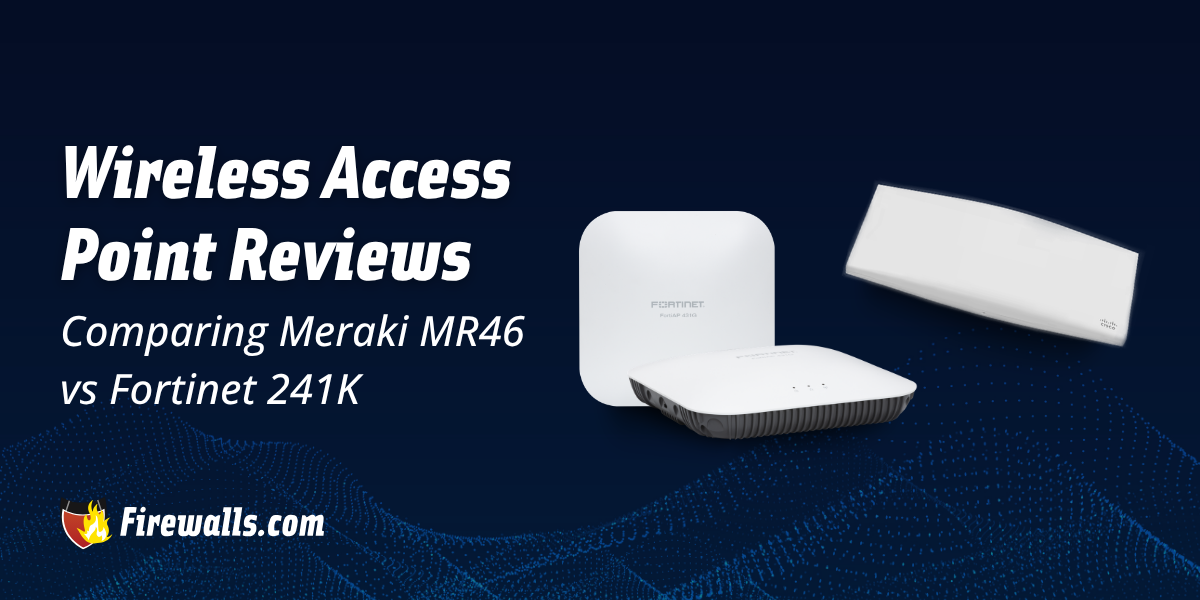
That’s why I’ve put together a technical comparison between Fortinet 241K and the MR46 from Meraki. Going with this approach is how you end up with the right wireless access point (WAP) for your business.
Key Takeaways:
- The Meraki MR46 is a high-density Wi-Fi 6 WAP
- The 241K from Fortinet is a Wi-Fi 7 enterprise-class indoor access point
- Making the right choice between the two depends on your coverage needs, client demands, and overall management and network goals
- Wi-Fi 6 and Wi-Fi 7 access points offer different capabilities and should play into your long-term decision-making
- The FortiAP 241K includes 2.4GHz, 5GHz, and 6GHz bands
What to Look for When Choosing Business Wireless Access Points
In the realm of choosing the right WAP for your business, there are several considerations here. From your specific coverage needs to overall traffic demands, they all play a part in your decision-making.
For the most part, modern wireless access points for business come with support for Wi-Fi 6 or 6E depending on the model. Also, examine monitoring, deployment, and security features to get a solid scope of what to expect. Nevertheless, there are several highlights I’d like to get into with the FortiAP 241K and Meraki MR46.

What is the Cisco Meraki MR46 Wireless Access Point?
When it comes to the Cisco Meraki MR46 WAP, you’re looking at a device that’s built for the needs of high-density networks. Meraki wireless access points are a stellar option across the board, but the MR46 is catered to those dealing with lots of devices.
Here’s a quick look at what the specs look like for this model:
- Max Data Rate: 3.5 Gbps
- Wireless Standard: 802.11ax Wi-Fi 6
- Performance: 4×4:4 MU-MIMO
- PoE Support: PoE 802.3at
- Deployment Options: Wall, ceiling, or desk installation
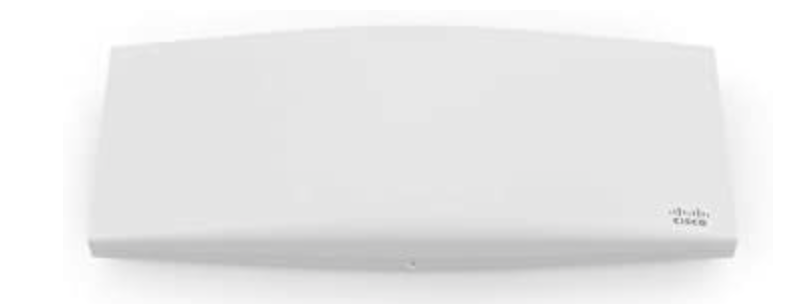
The MR46 is great for corporate buildings, large campuses, and other busy wireless environements. Another note I want to make sure you take with you is that this WAP comes with a single 2.5 multi-gigabit Ethernet port as well.
What is the FortiAP 241K Wireless Access Point?
Another high-density-focused WAP, the 241K from Fortinet offers some unique capabilities businesses need to know about. A standout quality about this wireless access point is the fact that it’s built around Wi-Fi 7 tech.
Check out a few of the comparable specs in the brief list below:
- Max Data Rate: Up to 5.765 Gbps
- Wireless Standard: Wi-Fi 7
- Performance: Four radios with 2×2 MIMO chains and tri-band scanning
- PoE Support: 1x 802.3bt PoE
- Deployment Options: Indoor with cloud-based management
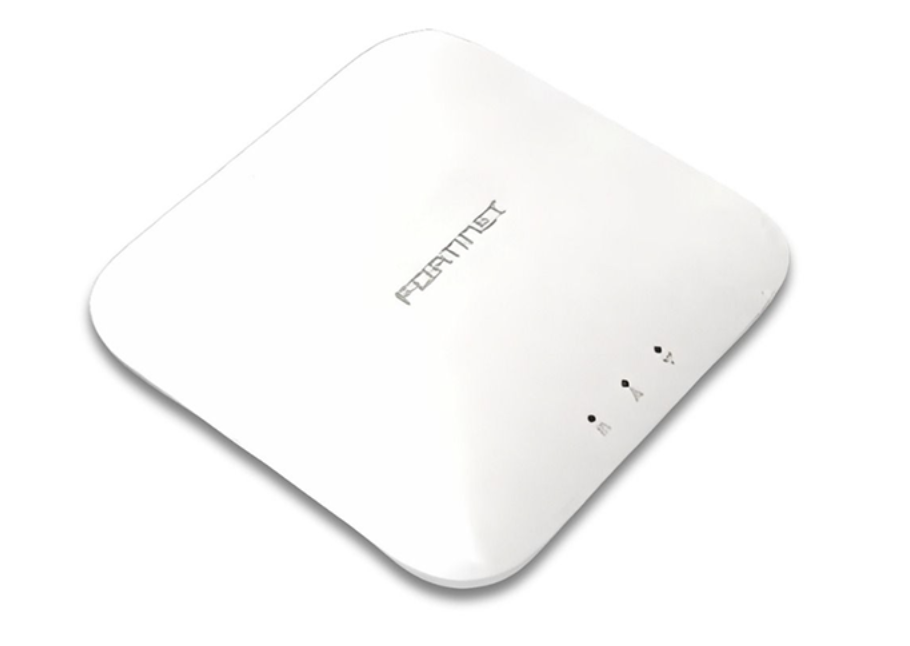
Moreover, that cloud-based management comes from FortiOS. On top of that, the 241K delivers 24/7 scanning across every supported band, without interrupting wireless access.
Comparing Meraki vs Fortinet 241K and MR46 WAPs
Outside of their unique specs, both the Meraki MR46 and FortiAP 241K are reliable enterprise wireless access points. I always like to say that connectivity is barely even scratching the surface of the benefits here.
However, it’s still vital to break down the specifics side by side, so you know which WAP is better aligned with your real-world needs. If you’re on the fence about choosing between Fortinet APs and Meraki solutions, the table below will help with your decision process.
| Specifications | Cisco Meraki MR46 | FortiAP 241K |
|---|---|---|
| Wireless Standard | 802.11ax Wi-Fi 6 | Wi-Fi 7 |
| Radio Configuration | 4x4:4 MU-MIMO with beamforming | Four radios with 2x2 MIMO and tri-band scanning radio |
| Max Data Rate | Up to 3.5 Gbps | Up to 5.765 Gbps |
| Power over Ethernet Support | 802.3at PoE | 1x 802.3bt PoE |
| Frequency Bands | 2.4GHz and 5GHz | 2.4GHz, 5GHz, and 6GHz |
| Antennas | Optional external antenna support (MR46 variant) | Six internal Wi-Fi antennas plus one internal BLE/ZigBee antenna |
| Target Use Case | High-density offices, campuses, and organizations needing reliable Wi-Fi 6 coverage | Enterprise indoor environments requiring Wi-Fi 7 connectivity, multi-band access, and 24/7 wireless scanning |
Meraki built the MR46 for dependable coverage and flexible deployments. For the 241K from Fortinet, it delivers excellent connectivity and robust integrated management. These two are far from your only choices on the market, but it’s a lot easier sorting through wireless access point reviews when the options are comparable.

Let’s Wrap This Up
Comparing the Meraki MR46 and FortiAP 241K is only one of several wireless access point reviews you’ll end up reading through. If you take anything with you, remember that the MR46 offers Wi-Fi 6 performance, and the 241K expands on that a bit with Wi-Fi 7, 6GHz support, and dedicated tri-band scanning.
WAPs are a critical component to any modern business security stack, just like next-gen firewall hardware and other must-have solutions. You also don’t have to face all of this technical decision-making on your own, especially if you work with our team at Firewalls.com. This promises the range of network security options your business needs, allowing us to shift with you as your needs change.
Frequently Asked Questions
What is the Primary Difference Between the MR46 and 241K WAPs?
Whereas the MR46 uses Wi-Fi 6, the 241K makes use of Wi-Fi 7 and adds 6GHz connectivity to the mix.
Is the FortiAP 241K Faster Than the Meraki MR46?
Yes, as the FortiAP 241K has a higher max data rate, featuring up to 5.765 Gbps on 6GHz.
Which Wireless Access Point is Better for High-Density Environments?
Both are great options for high-density business environments. However, the best choice will always come down to factors like your client volume, wireless requirements, and network infrastructure.
Does the 241K Support Wi-Fi 6E?
No, the FortiAP 241K supports Wi-Fi 7 with 2.4GHz, 5GHz, and 6GHz connectivity.
What Should Companies Consider When Choosing a Wireless Access Point?
Business owners and IT teams should consider angles like coverage needs, device capacity, wireless standards, management features, security capabilities, and deployment requirements.