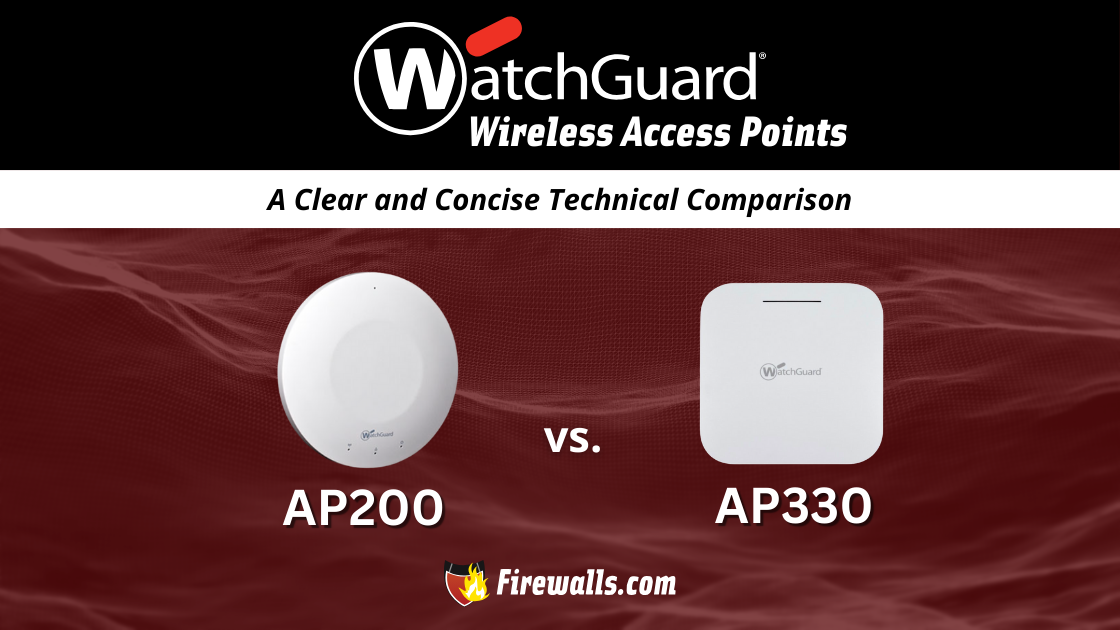
In the scope of WatchGuard AP 200 vs WatchGuard AP330, it’s helpful to look at the leap in performance between older and newer models. Wireless connections are a given in any business nowadays. However, when it comes to wired networks, your architecture will need some support for wireless devices.
This is where wireless access points (WAPs) shine through. More specifically, the WatchGuard lineup promises scalability on top of next-gen features. This article takes a look at the past AP 200 model and compares it to the newer AP330 to highlight the upgrade that it is.
Sifting Through WatchGuard Wireless Access Points
These specific models are just a fraction of what WatchGuard is known for, but they have found popularity in their own target markets. It should be noted that the AP 200 met its WatchGuard end of life back in 2019. Although it isn’t in operation anymore, it offers a good look at what’s changed since its time on the market.
Differences aside, there are a few details, specs, and features found in both models. Some of these include:
- PoE support
- Integration with WatchGuard’s management ecosystem
- Optimized for deployment in enterprise and commercial spaces
- Low-profile and sleek design with simple mounting
These aren’t very technical details, but it won’t be sacrificing WatchGuard quality just by switching models. Not only can you scale up to new features, you can also still rely on many legacy aspects of WatchGuard’s products.
What is the WatchGuard AP 200?
In its prime, the AP 200 was one of the best wireless access points for indoor WLAN environments. WatchGuard has evolved since this model, but that doesn’t mean its specs aren’t still relevant today.
Here’s a quick look at a few surface-level specs about the AP 200:
- Number of Radios: 2
- Number of Antennas: 4 internal (omnidirectional)
- Max Data Rate: 600 Mbps
- Peak Antenna Gain: 4 dBi
- Ethernet: 1 x 1 GbE

The focus here shouldn’t be on where this model falls short, but on what makes it so different from the wireless AP330. If you’re starting at the lower end of WatchGuard APs, then there’s a good chance you’ll upgrade to the 330 somewhere down the line.
What is the WatchGuard AP330?
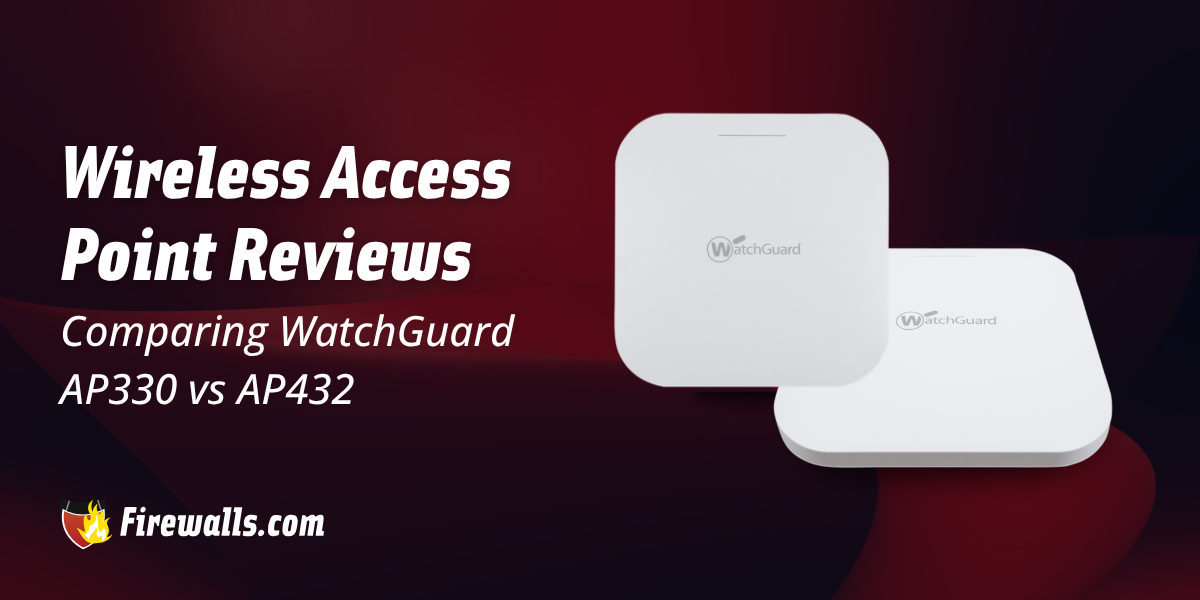
Now you’re getting to WatchGuard hardware that’s built for today’s standards and for what’s to come. The wireless AP330 is great for growing networks. You get the benefit of enhanced WPA3 encryption, integration with WatchGuard Cloud, and a lot more.
These are a few of the differences you can find in this AP’s datasheet:
- Number of Radios: 3
- Number of Antennas: 6 internal (omnidirectional)
- Max Data Rate: 1,201 Mbps
- Peak Antenna Gain: 3.5 dBi
- Ethernet: 1 x 1 RJ-45 2.5 GbE 802.3at Class 4 PoE+

Reading through all of the finer details can make it challenging to streamline your decision-making. Comparing the WatchGuard AP 200 vs AP330 is a lot easier when it’s side by side.
Final Comparison of the AP 200 vs AP330
You’re likely well aware that there are many other access points you could choose from. Whether you’ve moved on from the AP 200 or you’re looking for your first access point, this comparison table is a good start.
| Specifications | WatchGuard AP 200 | WatchGuard AP330 |
|---|---|---|
| Number of Radios | 2 | 3 |
| Number of Antennas | 4 | 6 |
| Max Data Rate | 600 Mbps | 1,201 Mbps |
| Peak Antenna Gain | 4 dBi | 3.5 dBi |
| Ethernet | 1 x 1 GbE | 1 x 1 RJ-45 2.5 GbE 802.3at Class 4 PoE+ |
| Max TX Power | 21 | 22 |
| Power Consumption (Avg.) | 4.8W | 11.65W |
Whenever you’re looking for the right APs for your network, all of the minor details matter. Even if it doesn’t seem to change a lot from one model to the next, the difference is seen in the performance.
Let’s Wrap Up
You can go down a long road reading into all of the specs that make up a viable wireless access point. When it comes to the WatchGuard AP 200 vs WatchGuard AP330, it’s evident you’re going with the latter.
Keep this comparison in mind when it’s time to grow out of the 330, and you find yourself searching for an upgrade. Above all else, you can always speak with the team here at Firewalls for a little more direction on the right AP solutions.