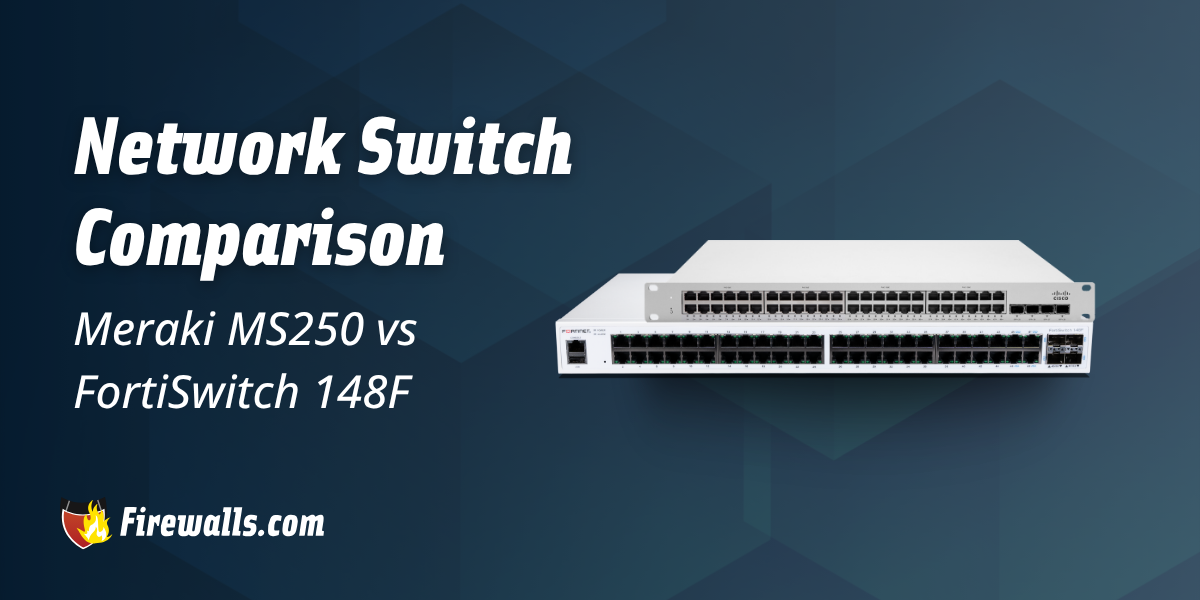
A network switch comparison doesn’t solely have to be between models within the same manufacturer lineup. It’s just as important to cross-reference the differences between various security providers on the market.
First, I’d like to point out that both Meraki and Fortinet FortiSwitch are highly reliable, but there are quite a few differences to highlight. This article offers a comparison of two high speed network switch options your organization might want to consider.
Key Takeaways:
- The MS250 focuses heavily on cloud management, while FortiSwitch 148F emphasizes security integrations
- FortiSwitch 148F comes with a higher capacity, more ports, and the support of the Fortinet ecosystem
- MS250 offers simplified deployment through the Meraki Dashboard and zero-touch provisioning
- Both network switches include 10GbE uplinks and enterprise networking features
- The right choice comes down to your network demands and long-term security and scalability plans
What to Consider Before Choosing an Enterprise Switch
Looking through your options from one manufacturer to the next is just one piece of the puzzle here. Alongside hardware specs and capabilities, it’s vital to understand the real-world needs of your business network. Not only that, but how you expect your network and operation as a whole to scale in the coming years.
Considering the reality of modern cyber threats and sizing up your own operational demands is how you hone in on the right security hardware. Whether it’s Meraki network switches, Fortinet, or another leading provider, you still need to compare your options and think about the fine print.
What is the Cisco Meraki MS250 Ethernet Network Switch?
At its core, the MS250 from Cisco Meraki is a cloud-managed Layer 3 access switch. This comes with a focused support for target environments like branch offices and mid-size enterprises, to name a few.
Here’s a brief overview of the specs from the base model in this series:
- Switching Capacity: 128 Gbps
- Stacking: 80 Gbps physical stacking bandwidth
- Management: Cloud-managed with zero-touch provisioning
- Form Factor: 1U rack mount
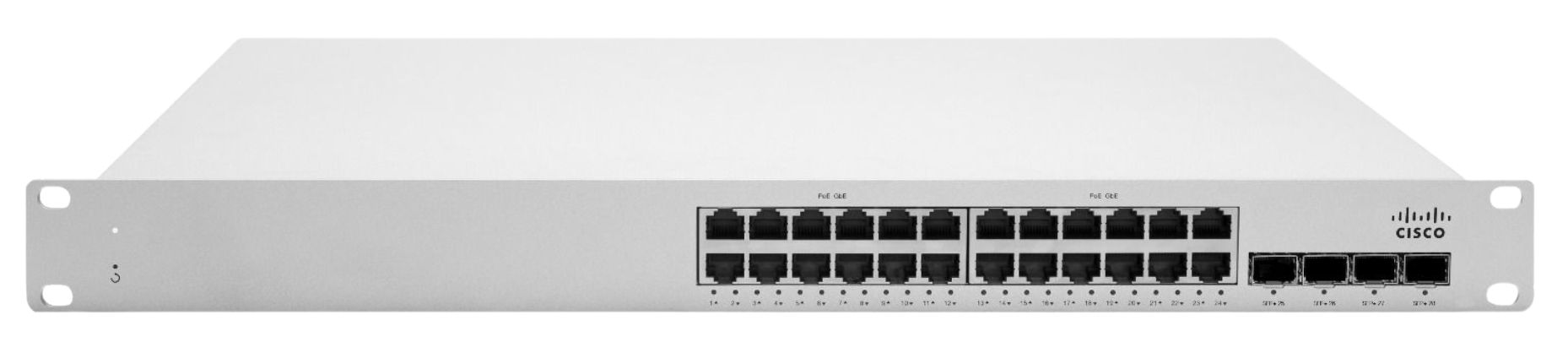
You’re looking at long-term reliability with the MS250, with examples like support for redundant power supplies, automated firmware updates, and more. I honestly feel what really makes this work for a lot of growing companies is the built-in remote management, rapid deployment, and impressive range in security features.
For the sake of your decision-making, keep in mind those specs above are for the base model. Whether you need a 24 or 48 port network switch, the MS250 series comes with multiple options available.
What is the Fortinet FortiSwitch 148F Network Switch?
In the same fashion as other leading security providers, Fortinet network switches come with a roster for you to sort through. For those curious about the FortiSwitch 148F, this is a model that’s aimed toward the needs of smaller businesses and distributed network environments.
Check out a few comparable specs in the list below:
- Switching Capacity: 176 Gbps
- Performance: 260 Mpps forwarding rate
- Management: FortiLink, standalone, cloud, and on-prem options
- Form Factor: 1U rack mount with built-in AC power supply
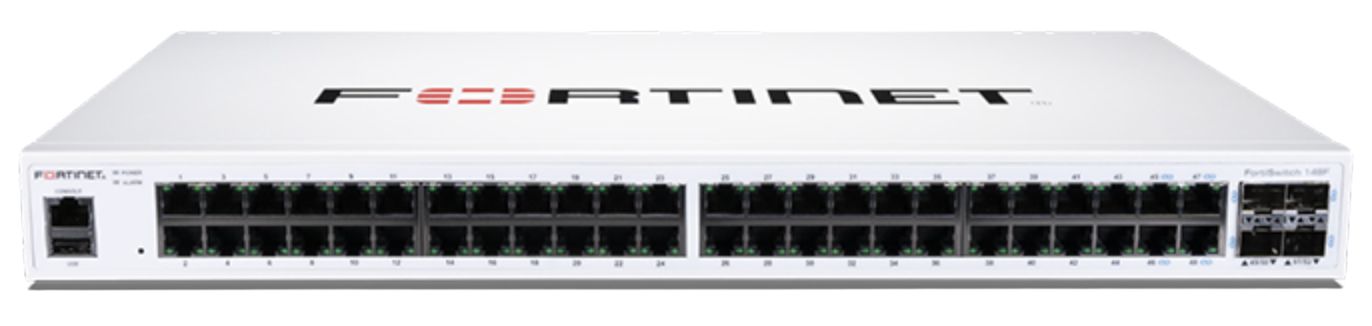
You’re also getting enterprise networking features like link aggregation, spanning tree protocols, and VLANs. A big benefit here, especially for many modern organizations, is the cloud-based deployment options and zero-touch deployment.
Network Switch Comparison Between MS250 vs 148F
Regardless of which network switch you’re considering, making the right choice includes more than just top-level performance specs. The MS250 heavily focuses on cloud-based management.
With the 148F, this model leans into broader security integrations through the Fortinet ecosystem. Nevertheless, take a look at how these network switches compare across several key categories every business should review.
| Specifications | Cisco Meraki MS250 | FortiSwitch 148F |
|---|---|---|
| Switching Capacity | 128 Gbps | 176 Gbps |
| Forwarding Performance | 95.24 Mpps | 260 Mpps |
| Management | Meraki Dashboard cloud management, zero-touch provisioning | ForiLink, cloud, or standalone management |
| Security | 802.1X, ACLs, DHCP snooping, Dynamic ARP Inspection, role-based access control, and more | NAC, segmentation, policy enforcement, ACLs, user and device role-based access control, and more |
| Layer 3 Features | Static routing, DHCP Relay, VLANs | VLANs, link aggregating, spanning tree |
| Scalability | 8-switch stacking, 80 Gbps stacking bandwidth | 4,000 VLANs, 32K MAV addresses |
| Form Factor | 1U rack mount, optional redundant PSU | 1U rack mount, built-in AC power |
| Port Configuration | 24 x Gigabit RJ45 4 x 10GbE SFP+ 2 x stacking ports | 48 x Gigabit RJ45 4 x 10GbE SFP+ 1 x console port |
You can see there’s a bit of variety here, but that’s exactly what you want to identify. A key differentiator between these two specific models is the port configuration ranging from a 24 to 48 port network switch.
However, once again, that isn’t the only angle you need to factor in. No matter how great the hardware might sound on paper, always stack that up to your network’s real-world, operational needs.

Final Thoughts
Before you start thinking of one being superior over the other, don’t forget they both deliver enterprise-grade performance. For those prioritizing cloud-based management and simplicity, the MS250 isn’t a bad starting point. If you’re carrying more of an emphasis on security-focused networking and integration, the FortiSwitch 148F leans a little heavier in that direction.
Moreover, our team at Firewalls.com is always on standby if you have any questions about either direction here. We’ll make sure you end up on the right side of this network switch comparison, aligning the right model with your network demands.
Frequently Asked Questions
How do the MS250 and FortiSwitch 148F Differ in Port Availability?
If you’re going with the base-level option in the MS250 series, you’re looking at 24 ports. With the 148F FortiSwitch, this model comes with 48 ports, even at the base-level model.
Can Both the Meraki MS250 and FortiSwitch 148F Support 10GbE Uplinks?
Yes, both models offer four 10GbE SFP+ uplink interfaces for high-speed network connectivity.
Which Switch is Easier to Deploy Across Multiple Locations?
The MS250 makes use of the Meraki Dashboard cloud management and zero-touch provisioning, while the FortiSwitch 148F offers zero-touch deployment with the help of FortiLink and centralized management options.
What Type of Businesses Should Consider the FortiSwitch 148F?
The FortiSwitch 148F is well suited for companies that want secure access switching coupled with Fortinet integrations. This also includes things like centralized access control and security policies.
Does the Meraki MS250 Support Network Stacking
It does, and the MS250 supports physical stacking with up to 80 Gbps of stacking bandwidth. Moreover, this includes up to eight switches in a stack for even more scalable support.